
















Windows 11’s New AI Agent Workspace: Features, Risks & What Users Should Know
Microsoft is testing a major new AI feature in Windows 11 called Agent Workspace, designed to let AI agents run in the background with their own account, desktop, and isolated environment. These agents can perform tasks like opening apps, browsing files, and managing actions on your behalf.Windows 11’s new Agent Workspace brings AI agents directly into the operating system, giving them controlled access to apps and personal folders. These agents run in a separate, isolated environment with their own desktop and permissions, performing automated tasks for the user. While offering powerful new AI capabilities, Microsoft warns that enabling the feature may impact system performance and introduce security and privacy risks. Available only to Windows Insiders, this update highlights Microsoft’s long-term goal of building an AI-driven Windows platform. Learn what Agent Workspace does, how it works, and what risks users need to be aware of.

Microsoft is taking another big step toward turning Windows 11 into a fuly AI-powered operating system. As apart of its newest Insider Preview update, the company is introducing an early version of feature called a Agent Workspace, a system designed to lets AI agents run it independently on your PC. This feature could make Windows more automated and efficient, but it also raises questions about privacy, security, and performances.
What Is the Agent Workspace in Windows 11?
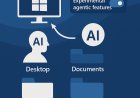
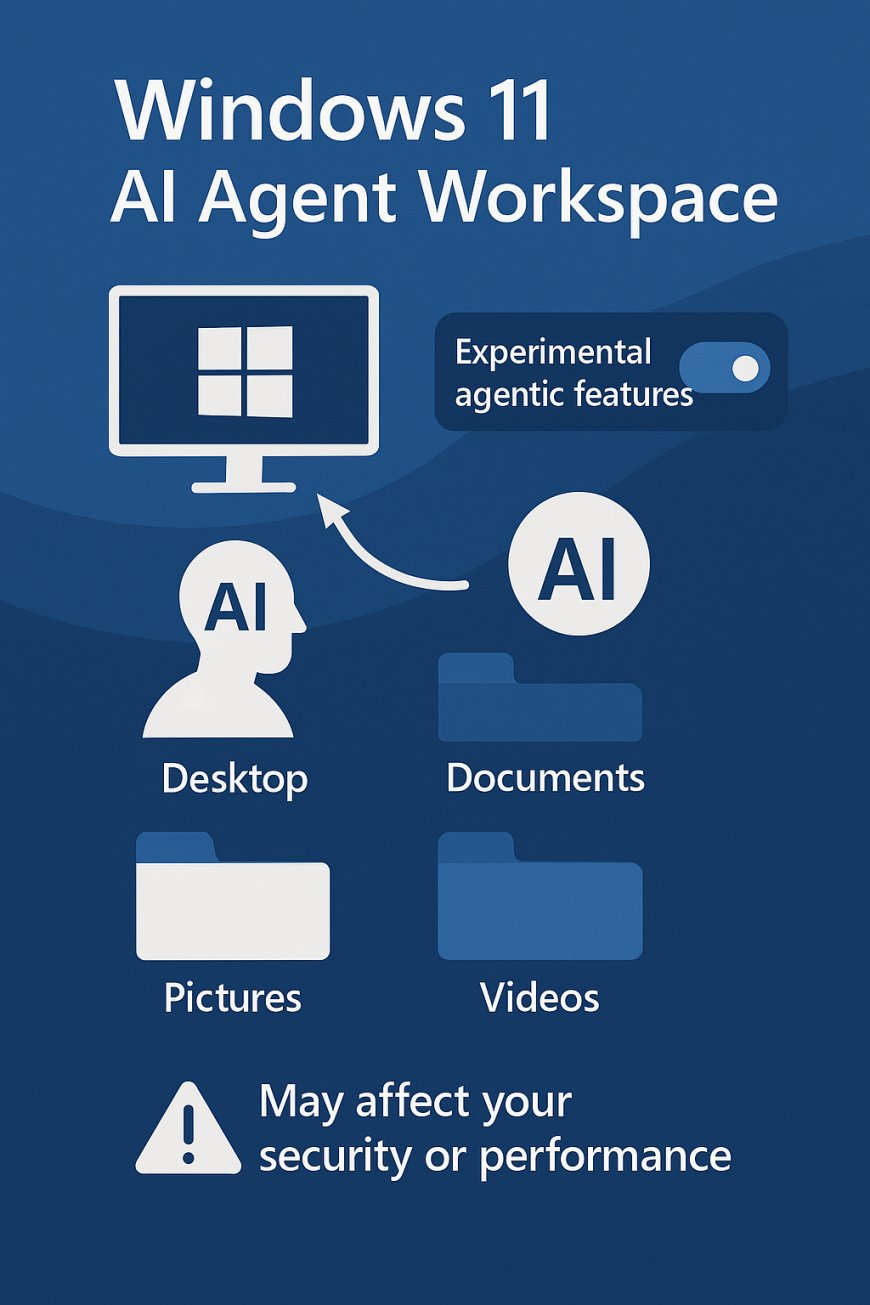
Agent Workspace is an experimental feature hidden inside the Settings app under System > AI Components for Windows Insiders in the Dev and Beta Channels. When you turn on it the toggle labeeled “Experimental agentic features,” Windows activates the Agent Workspace environment.
This workspace is essentially a separate Windows session designed only for AI agents. Instead of giving AI tools full control of your main desktop, Windows creates an isolated area where AI agents get:
Their own mini-desktop
Their own user account
Their own permissions
The abiliity to run constantly in the background
Controlled access to personal folders and apps
The idea behind this approach is to keep the AI’s actions separate from your main activities, while still giving the Agent enough access to be useful.
How AI Agents Work on Windows 11
If you have used ChatGPT Agents before, the concepts is similar: this AI agents can act like an digital helper, navigating apps, clicking buttons, opening browsers, and a performing tasks just as a human would.
For example, an AI agent could:
Organize your folders
Edit a document
Browse the web and gather information
Open apps and automate tasks
Assist with productivity or creative work
With Agent Workspace, Microsoft wants Windows to support these advanced actions locally rather than through cloud systems alone. This would make AI on Windows faster, more interactive, and more integrated into the OS.
Since AI agents can interact with personal files, some users may feel uneasy about granting an automated system permission to browse the Desktop or Documents folder.
Although the Agent Workspace is isolated, the fact that it has access to personal folders means users must trust the AI agent’s behavior — and any app or company that creates those agents.
Performance and Resource Usage
Microsoft states that Agent Workspace may cause performance issues. Because AI agents can run constantly in the background, they may use:
CPU
Memory (RAM)
Battery
Background processing power
The company claims agents will be lightweight by default, but admits that more complex agents could become resource-heavy depending on their tasks.
During early testing, some users noticed slowdowns, especially when agents were active. Microsoft has not yet disclosed exact limits on resource usage.
Why Microsoft Is Pushing AI in Windows
This update comes shortly after Microsoft’s leadership promised to make Windows better for power users and developers. However, the strong push into AI suggests Microsoft sees intelligent agents as the future of Windows.
Windows 11 is clearly moving toward becoming an AI-native operating system, meaning:
AI tools will run locally
Agents will automate tasks
System features will be deeply AI-integrated
User workflows will be more hands-free
Even though the Agent Workspace is optional today, it signals the direction Windows will take long-term.
Who Can Use the Agent Workspace Right Now?
Currently:
Only Windows Insiders in the Dev or Beta Channel
Must install build 26220.7262 or newer
Feature is off by default
Must be manually enabled in Settings
It’s still in early development and not usable for most real tasks yet.
Should You Turn It On?
If you are curious, tech-savvy, and understand the risks, you may o enjoy testing the feature. It can been interesting to see how AI may eventually interact with the Windows apps, files, and workfows.
However, for average users, enabling it now may:
Reduce system stability
Impact performance
Create privacy concerns
Introduce unpredictable AI behavior
Since the feature is still experimental and doesn’t work fully, it may be better to wait until Microsoft releases a more polishess version.
What's Your Reaction?
 Like
1
Like
1
 Dislike
0
Dislike
0
 Love
0
Love
0
 Funny
0
Funny
0
 Angry
0
Angry
0
 Sad
0
Sad
0
 Wow
0
Wow
0